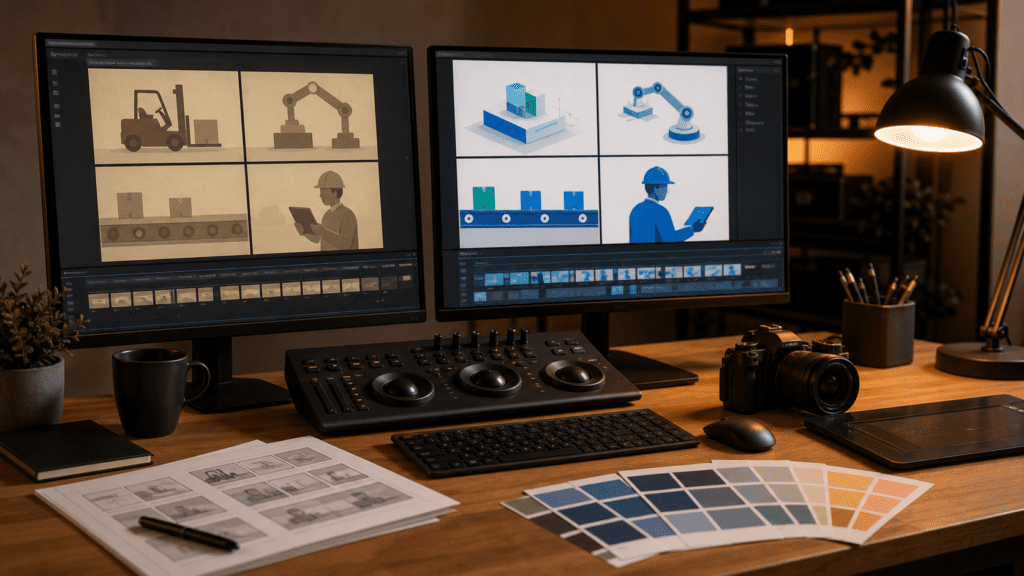

Introduction
Quick answer: An explainer video refresh makes sense when the core message still works but the visuals, voiceover, product details, or call to action are outdated. A full rebuild is better when the strategy has changed.
Gisteo often talks with businesses that already have a video but know it no longer reflects the brand, product, or market. In some cases, a refresh is enough. In others, a new custom explainer videos is the smarter move.
The right choice depends on whether the old video has a strong foundation. If the story is still good, updating the execution can extend its life.
When to Refresh an Explainer Video
- The brand visuals changed
- The product UI changed
- The CTA is outdated
- The voiceover feels dated
- The video needs new cutdowns
- The core message still works
A refresh can be a practical way to improve an asset without restarting every step.
When to Start Over
Start over when the audience, positioning, offer, or business model has changed. A cosmetic refresh cannot fix a weak strategy.
| Situation | Best Choice |
|---|---|
| Same message, dated visuals | Refresh |
| New positioning | Start over |
| Minor product UI changes | Refresh |
| Wrong audience | Start over |
| Need new campaign versions | Refresh or expand |
What Can Be Updated
- Script edits
- New voiceover
- Updated animation
- New product screens
- Brand color updates
- CTA changes
- Social cutdowns
- Caption files
If you need several versions, Gisteo’s Unlimited Animated Explainer Video Plan may help extend the asset into a broader video system.
How to Audit the Old Video
Watch the video with one question in mind: would this still help the right buyer take the next step today?
If the answer is mostly yes, refresh. If the answer is no, rebuild around a stronger brief.
Final Takeaway
Most businesses don’t need to start from scratch every time their explainer video feels outdated.
In many cases, the core message still works. The problem is everything around it — the visuals, the voiceover, the product screens, or the call to action.
An explainer video refresh can be a smart way to modernize an asset when the core story still works. It saves time while improving relevance and polish.
That’s where the decision comes in: refresh or rebuild.
A smart refresh can extend the life of a strong video, improve performance, and create new versions for different channels — without going back to square one. But if the strategy has shifted, a refresh won’t fix the real issue.
Gisteo can help decide whether to refresh, rebuild, or expand your existing video. Start by reviewing the Gisteo portfolio, checking explainer video pricing, or booking a free consultation.
FAQ
What is an explainer video refresh?
It is an update to an existing explainer video, such as revised visuals, voiceover, script, product screens, or calls to action.
When should a company refresh a video?
Refresh when the core message still works but the execution is outdated.
When should a company start over?
Start over when the strategy, audience, positioning, or product story has changed significantly.
Can old videos be turned into social clips?
Yes. A refresh can include shorter cutdowns for social, sales, email, or landing pages.