
 By Stephen Conley, Founder & Creative Director at Gisteo
Quick answerThe best animated video maker for most businesses is Vyond for training and internal videos, Powtoon for marketing and sales explainers, and Canva for quick social clips. Animaker, Renderforest and Biteable are good budget picks for template-based videos. Tools work when you can write the script and accept a template look. When the video has to sell your product and look like your brand, an animation studio is usually the better buy.
Gisteo has made custom animated videos for businesses since 2011, more than 3,000 of them, for clients such as Intel, SAP and Harvard. Clients often ask us which animated video maker they could use for the smaller jobs we don’t need to touch: a training update, a social post, an internal announcement. This guide is our answer. It covers six tools we’d point a business to, what each is good at, what it costs as of November 2026, and where a DIY tool stops being the cheaper option.
The 6 Best Animated Video Makers for Business, Compared
| Tool | Best for | Free option | Paid plans (Nov 2026) |
|---|---|---|---|
| Vyond | Training, HR and internal videos with characters | Free trial | Starter from $58/month billed annually ($99 billed monthly) |
| Powtoon | Marketing and sales explainers, presentations | Free plan (720p, up to 3 minutes, Powtoon watermark) | Lite from $15/month billed yearly |
| Animaker | Character animation on a budget | See animaker.com | See animaker.com for current plans |
| Canva | Quick social clips for teams already using Canva | Free plan | See canva.com for current plans |
| Renderforest | Logo animations, intros and promo templates | Free to try | See renderforest.com for current plans |
| Biteable | Fast template videos made by a small team | 7-day free trial, no card needed | Pro from $15/month billed yearly ($29 billed monthly) |
Prices come from each tool’s pricing page in November 2026 and change often, so check before you buy. Where a page didn’t show a clear price, we’ve pointed you to the site instead of guessing.
1. Vyond: Best Animated Video Maker for Training and Internal Videos
Vyond is built for business storytelling with characters: onboarding, compliance training, HR policies and internal announcements. You pick characters, give them actions and expressions, and place them in ready-made scenes. Its pricing page also lists AI tools that turn a prompt or a document into a first draft of a video, and brand management features on the higher tiers.
Good fit: L&D and HR teams that make a steady stream of training videos and want a consistent cast of characters.
Watch out for: it’s the priciest tool on this list, and the house style is recognizable. Viewers who’ve sat through corporate training will know the look.
Price: Starter from $58/month billed annually, or $99 billed monthly. See Vyond’s pricing.
2. Powtoon: Best for Marketing and Sales Explainers
Powtoon has been a go-to animated video maker for marketing explainers and animated presentations for years. You start from a template or a blank scene, add characters, text and props, and record or upload a voiceover. The free plan is enough to learn the tool; higher plans add character customization, branding controls and character lip-sync.
Powtoon suits marketers and sales teams that need simple explainers, pitch videos and animated slides. The catch is that the free plan exports at 720p with a watermark, and the most useful branding features sit on the upper plans. Paid plans start with Lite at $15/month billed yearly.
3. Animaker: Best for Character Animation on a Budget
Animaker’s strength is its character builder: you can design custom characters and animate them with ready-made actions and expressions, then combine them with templates and stock media. It suits teams that want characters without Vyond’s price.
It’s a good match for small businesses and educators who want character-led videos on a tight budget. It takes longer to learn than Canva or Biteable, and team features such as brand kits sit on the top tier. Check Animaker’s site for current plans and prices.
4. Canva: Best for Quick Social Clips
If your team already designs in Canva, its video editor is the shortest path to an animated post. Text, shapes and graphics can be animated with a click, and video templates are sized for every social channel. Canva is a design tool with animation features, so don’t expect characters that act out a story.
Social media managers making short animated posts, ads and reels will get the most from it. Character animation and timing control are limited, and anything longer than a short clip gets awkward.
5. Renderforest: Best for Logo Animations and Intros
Renderforest is known for template-driven logo animations, video intros and promo videos. You choose a template, swap in your logo, text and colors, and render. It’s fast when a template matches what you need and frustrating when it doesn’t.
Founders and small teams use it for a logo sting, a YouTube intro or a simple promo. Remember that other brands can pick the same template.
6. Biteable: Best for Fast Template Videos
Biteable is one of the quickest ways to turn a few lines of text into a finished animated video. Its templates cover announcements, ads and explainers, and the paid plans add AI voices, automatic captions and team seats.
Good fit: small marketing teams that publish often and value speed over originality.
Watch out for: little control over characters and scenes; customization stays inside the template.
Price: 7-day free trial; Pro from $15/month billed yearly, or $29 billed monthly.
How to Choose an Animated Video Maker
- Start with the job. Training videos point to Vyond, marketing explainers to Powtoon, social clips to Canva, logo animations to Renderforest.
- Decide if you need characters. Vyond, Powtoon and Animaker do characters well. Canva, Renderforest and Biteable are mostly motion graphics and text.
- Check brand control. Custom fonts, colors and logos often sit on the upper plans. Price the plan your team will use, which is rarely the entry plan.
- If several people will edit, compare team pricing rather than single-user pricing.
- Plan the script first. Every animated video maker needs a script, a voiceover and decisions about what goes on screen. The tool doesn’t write those for you. Our free script timer helps you check the length before you start.
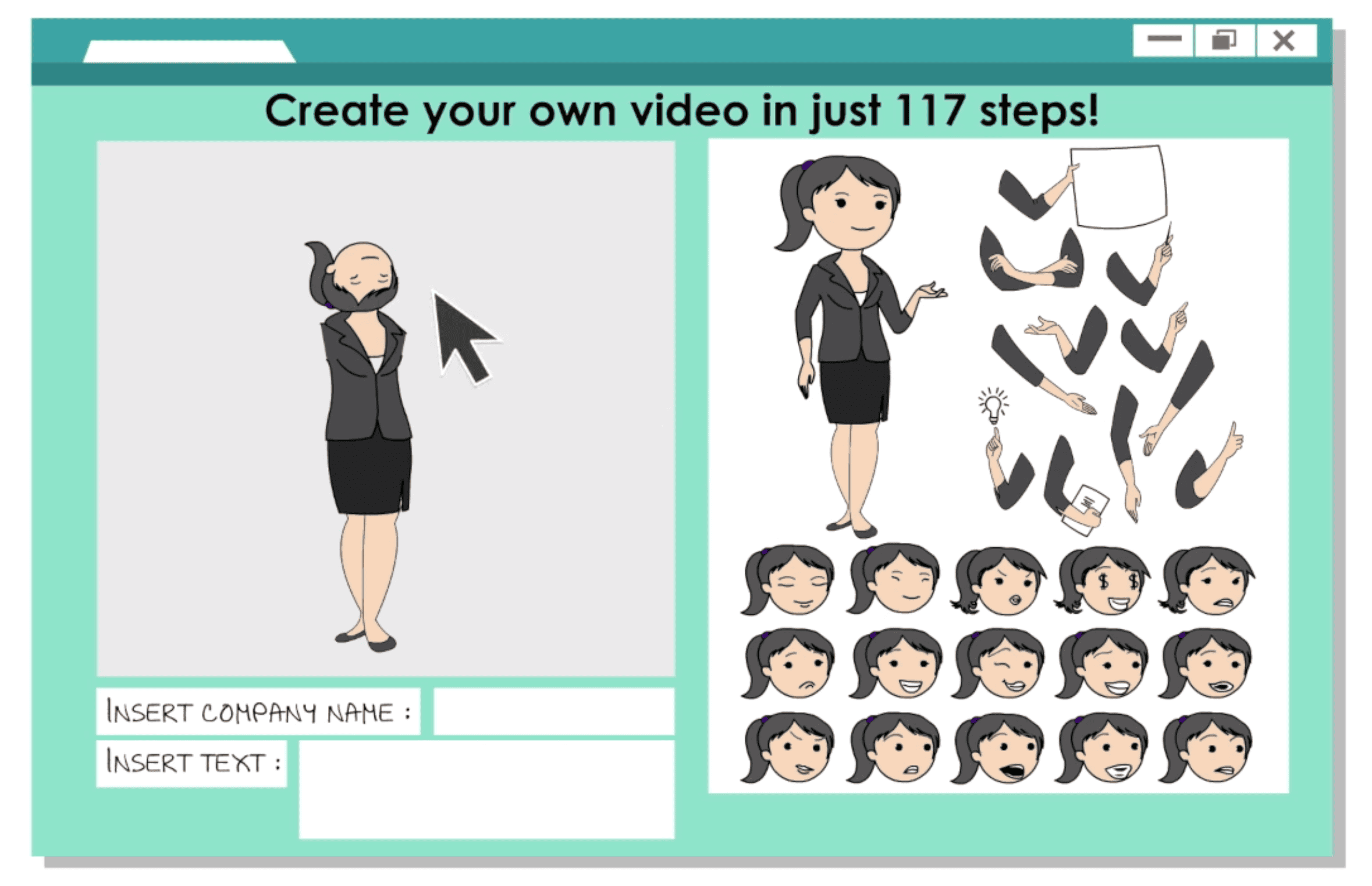
Animated Video Maker vs Animation Studio: When to Hire Help
| DIY animated video maker | Animation studio (Gisteo) | |
|---|---|---|
| Cost | Free to about $100/month per user | Custom 60-second explainers from $3,500; AI videos from $1,000 |
| Your time | You write, design, animate and edit | You approve the script, storyboard and drafts |
| Look | Templates and stock characters | Characters and scenes designed for your brand |
| Timeline | Hours to days, once you know the tool | 3 to 6 weeks for custom animation; 1 to 2 weeks for AI video |
| Best for | Internal updates, social posts, quick tests | Homepage explainers, product launches, ads and sales videos |
A tool is the right call when the video is short-lived or internal and someone on your team has the time to learn it. Hire a studio when the video will sit on your homepage for years, explain a product that’s hard to explain, or carry your brand in front of buyers. If you’re comparing options, see what an explainer video costs, our custom animated explainer videos, or our AI video production services. For more tools, see our lists of the best explainer video software and the best promo video makers.
Frequently Asked Questions
What is the best animated video maker for business?
It depends on the job. Vyond is the strongest choice for training and internal videos with characters, Powtoon for marketing and sales explainers, and Canva for quick animated social posts. For a homepage explainer or an ad that has to sell, a studio usually gives a better result than any tool.
Is there a free animated video maker?
Yes. Powtoon and Canva have free plans, and Biteable offers a 7-day free trial without a credit card. Free plans usually add a watermark or limit resolution and length; Powtoon’s free plan, for example, exports at 720p with a watermark and a 3-minute limit.
Which animated video maker is easiest to learn?
Canva and Biteable are the quickest to pick up because you mostly edit templates. Vyond, Powtoon and Animaker take longer because you build scenes and animate characters yourself.
Should I use an animated video maker or hire an animation company?
Use a tool for short, internal or short-lived videos when someone on your team can write and build them. Hire an animation company when the video needs a strong script, original design and a finish that represents your brand, such as a homepage explainer or a launch video.
How much does it cost to have an animated video made?
At Gisteo, a custom 60-second animated explainer costs $3,500 to $5,000 depending on the package, and AI videos start at $1,000 for a 15-second spot. See our explainer video pricing for the full breakdown.
Need More Than a Template?
Animated video makers have made simple videos cheap and fast, and for many internal jobs they’re all you need. When the video has to win customers, the hard part is the thinking: what to say, in what order, and how it should look so people remember your brand. That’s the work Gisteo has done since 2011, from the script through the final animation. If you’re weighing a tool against a studio, book a free consultation and we’ll tell you which one your project needs, even if the answer is a tool.
Start with a free brainstorm
Talk through your idea with us on a free 30-minute call or in a free script workshop. Curious about AI? Ask for a free 15-second sample. No obligation.
 Scriptwriting & Editing10 common mistakes to avoid when making an explainer video
 Scriptwriting & Editing7 Best Explainer Video Software Tools
 Scriptwriting & EditingHow to Write a 60-Second AI Explainer Video Script That Converts
 Scriptwriting & EditingExplainer Video Scriptwriting 101: How to Tell a Compelling Story in 90 Seconds
 Scriptwriting & EditingHow to Review an Explainer Video Script (A Guide for Everyone Who Has to Sign Off)
 Scriptwriting & EditingCompelling Explainer Video CTA Examples: How to End a Video So Viewers Actually Act

Stephen has spent 30+ years in advertising, branding and video, including 15 years at agencies like Young & Rubicam, JWT and DDB, before launching Gisteo in 2011. He still works hands-on on every project and leads the studio’s custom animation and AI video work. More about Stephen