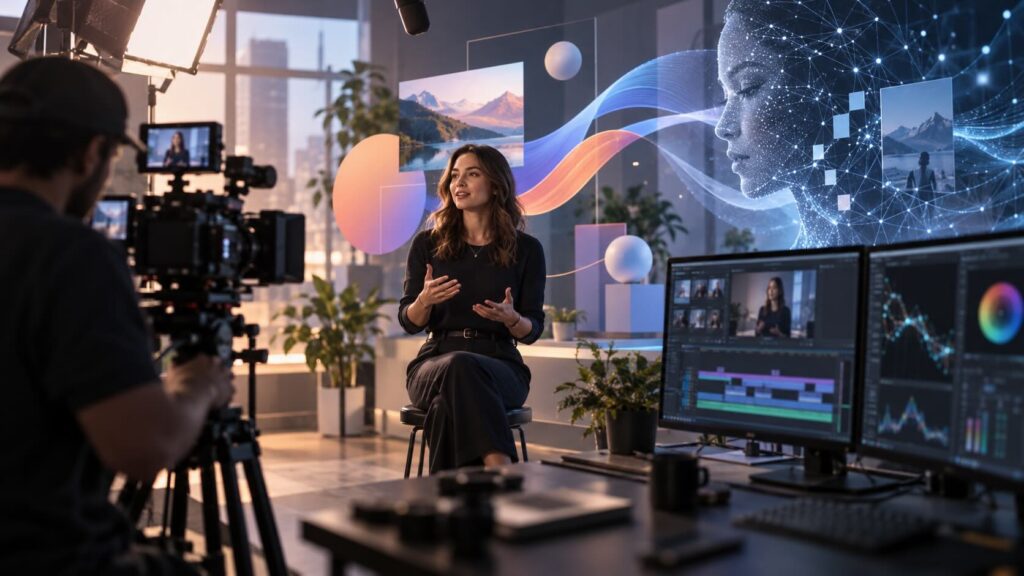

Quick answer: Mixed-media video combines two or more production formats in a single piece. That might be live-action footage with animated graphics, animation with AI-generated scenes, or all three. It works best when each format does a job the others can’t: real people for trust, animation for clarity, AI for scale or scenes you couldn’t film.
Introduction
Most business videos used to pick one lane. You shot live action, or you commissioned animation. Today the lanes have merged. A single 60-second video might open with your CEO on camera, cut to an animated diagram of your product, and close on an AI-generated scene that would have cost a fortune to film.
That flexibility is powerful. It’s also easy to get wrong. At Gisteo, we do all these styles so we have some thoughts on the topic. Here’s how to decide whether mixed-media video fits your project, and how to plan it so the result feels like one video instead of three stitched together.
What counts as mixed-media video?
Any video that deliberately combines formats counts. The most common combinations are:
- Live action + motion graphics. Filmed footage with animated text, callouts, charts or UI overlays. This is the most common form of mixed-media video in business.
- Live action + character animation. Real people interacting with animated characters or objects. It’s memorable, but it takes careful planning.
- Animation + AI-generated footage. Custom 2D or 3D animation for the explanation, with AI cinematic scenes for mood, setting or storytelling.
- Live action + AI. Filmed interviews or product shots mixed with AI-generated B-roll, environments or background extensions.
- Screen recording + animation. Real software footage framed and explained with animated graphics. This is common in SaaS videos.
Why combine formats instead of picking one?
Each format has a natural strength (we compare two of them in animated vs. live-action explainer videos). Mixed-media video lets you use each one where it performs best.
| Format | What it does best | Where it struggles |
|---|---|---|
| Live action | Builds trust with real faces, places and products | Can’t show what’s invisible (data, software logic, processes inside a machine) |
| Animation | Makes abstract or complex ideas clear | Can feel less personal or less “real” |
| AI-generated footage | Creates cinematic scenes quickly, at a fraction of filming cost | Consistency and fine control still need human direction |
| Motion graphics | Highlights data, text and key points | Rarely carries a story on its own (see motion graphics vs. animation) |
A cybersecurity company, for example, might put its founder on camera to establish credibility, use animation to show how an attack moves through a network, and use AI footage to set the scene of a busy office. No single format could do all three jobs as well.
When does mixed-media video work best?
Mixed-media video tends to earn its extra complexity in these situations:
- Your product is real, but how it works is invisible. Show the physical product in live action, then animate what happens inside it.
- You need both trust and clarity. Real customers or leaders build credibility. Animation explains the details.
- You want cinematic scale on a business budget. AI scenes can cover locations, crowds or environments you couldn’t afford to film.
- You’re refreshing existing footage. Adding animation or AI scenes to footage you already own can give it a second life.
- Your audience scrolls fast. A change in visual texture can hold attention in a social feed.
When should you stick to one format?
Mixing formats is not automatically better. Keep it simple when:
- The message is simple. A straightforward product explainer often works best in one clean style.
- The budget is tight. Every added format means extra planning, assets and review time.
- Brand consistency is fragile. If you don’t yet have a strong visual identity, several formats can make your brand feel scattered.
- The timeline is short. Coordinating a shoot, an animation team and AI generation takes more time than any one alone.
How do you keep a mixed-media video from looking disjointed?
The biggest risk with mixed-media video is that it feels like a collage. These practices keep it unified:
- Start with one script. The story decides which format appears where, not the other way around.
- Set a shared visual language. Use the same color palette, typefaces and lighting mood across every format.
- Plan the transitions. Cuts between live action and animation should be designed in the storyboard, not improvised in the edit.
- Use one voice. A single narrator or presenter ties the formats together.
- Match the motion. Camera moves, animation pacing and AI shots should share a similar rhythm.
A storyboard and animatic matter even more here than in a single-format video. They let you see how the formats fit together before anyone films or animates a frame.
How much does mixed-media video cost?
It depends on which formats you combine and how much of each you need. A video that is mostly animation with a few AI scenes costs far less than one that needs a full film crew, actors and location.
At Gisteo, custom animated explainers start at $3,500 for 60 seconds (Just Animate!), and AI cinematic videos also start at $3,500 for longer productions of 60-90 seconds (less for short social media videos). When we add AI footage to an animated project, it can often replace an expensive shoot rather than add to one. The best way to price a mixed-media project is to share your script or goals and let us map which format each scene actually needs.
The bottom line
Mixed-media video is not a style. It’s a strategy for putting the right format on each part of your story. Used well, it gives you the trust of live action, the clarity of animation and the scale of AI in a single video. Used carelessly, it looks like three videos fighting for attention.
At Gisteo, we’ve combined animation, live footage and AI across more than 3,000 projects since 2011. Tell us what you need to explain, and we’ll show you which mix makes sense for your story and budget.
FAQs
What is mixed-media video?
Mixed-media video is a video that combines two or more production formats, such as live action, animation, motion graphics and AI-generated footage, in a single piece.
Is mixed-media video more expensive than animation alone?
Often, but not always. Adding a live-action shoot usually raises the cost. Adding AI-generated scenes to an animated video can be cheaper than filming the same scenes.
Can AI footage be mixed with real footage?
Yes. AI-generated B-roll, environments and background extensions are commonly combined with filmed interviews and product shots. The key is matching lighting, color and camera movement so the two blend.
What industries use mixed-media video most?
Technology, healthcare, manufacturing and finance use it often, because they need to show both real people or products and complex processes that can’t be filmed.
How long does a mixed-media video take to produce?
Longer than a single-format video, because each format has its own production steps. Clear planning up front, especially a detailed storyboard, keeps the timeline under control.